The Ender 3 family prints PLA beautifully, PETG well once cooling is dialed back, and flexible filament badly until the extruder is changed. Choose the spool for the machine you have, not the one in the reviews.
How this page is funded. Buy links go to Amazon and we earn a commission on qualifying purchases at no extra cost to you. Commission never decides an order or a score, we accept no free products or sponsored placements, and every roundup names something to skip. Full disclosure.
The picks, ranked
The picks, ranked
#
Product
Best for
Score
Price
1
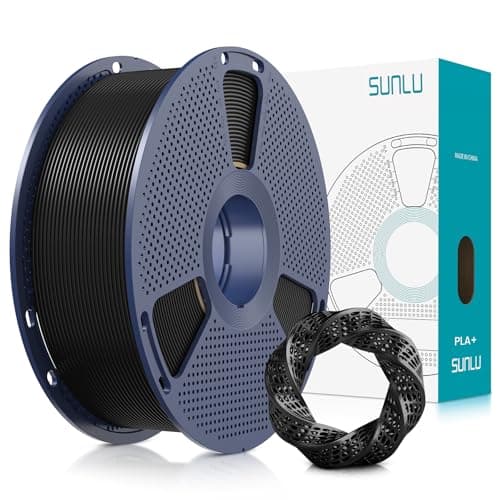
SUNLU PLA+Prints inside the stock profile on every Ender 3 variant, and tough enough that dropped parts survive. Start here and stay here for most printing.185-235 C nozzle, 50-60 C bed
Overture PLA ProfessionalVacuum sealed with desiccant and consistently wound, which matters on a Bowden machine where a tangle stalls the print instead of just slowing it.1.75 mm +/- 0.02 mm published
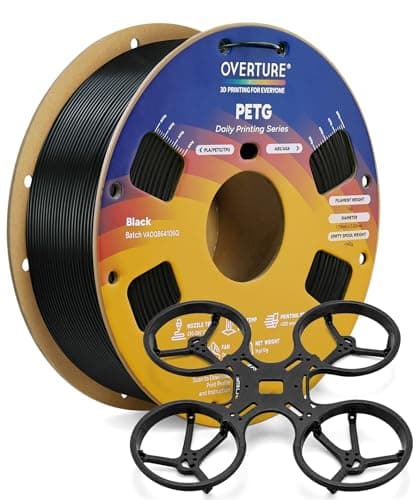
Overture PETGWithin the stock hotend's range. Cut part cooling before you change anything else, and never print it straight onto smooth PEI.215-270 C nozzle, 70-90 C bed
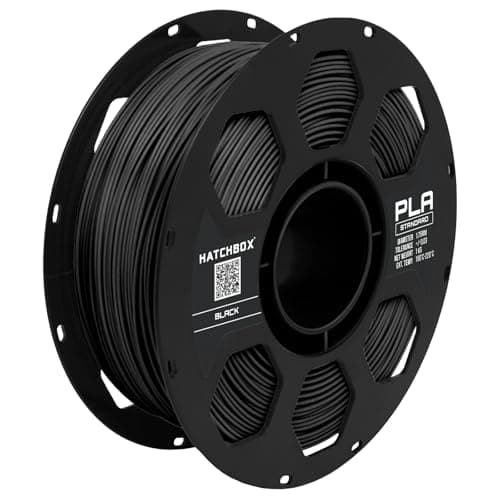
HATCHBOX PLAThe spool most Ender 3 community profiles were written against, which is worth something when you are troubleshooting from forum posts.1.75 mm +/- 0.03 mm published
SUNLU TPU 95AThe stock Bowden path buckles soft filament instead of pushing it. This is a printer problem, not a spool problem, and no setting fixes it.95A, roughly 20-40 mm/sSkip this
Live prices verified October 20, 2026. Scores are our own fit rating for the stated use, not a measurement and not a customer rating.
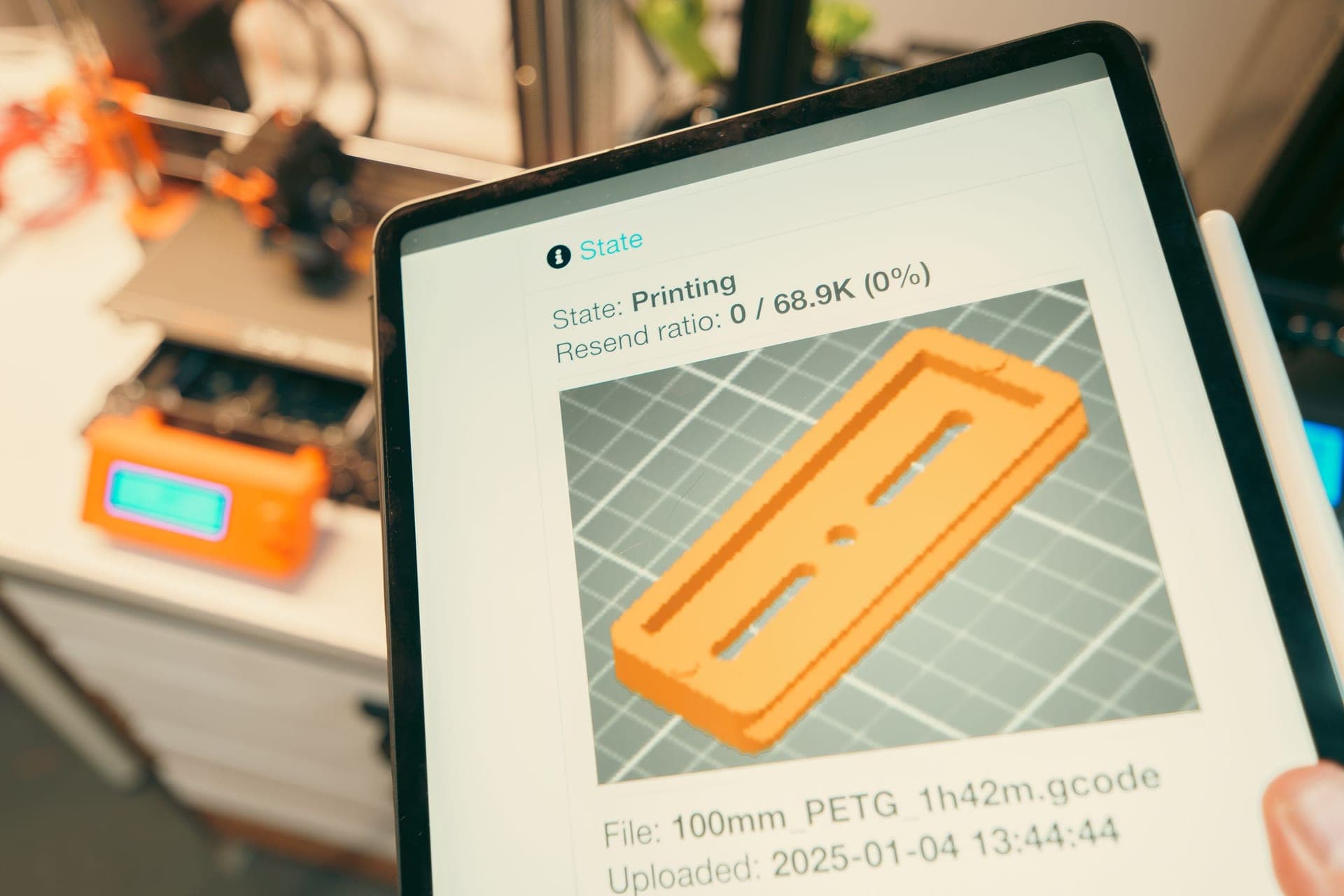
A 3D printer control screen showing print settings.
What the printer decides for you
The Ender 3 family — the original, the V2, the Pro, the S1 and the V3 variants — differ in ways that matter for filament choice, and the differences come down to three things.
The extruder path. Most of the cheaper Ender 3 machines push filament down a long Bowden tube. Rigid filament does not care. Flexible filament buckles inside the tube instead of being pushed through it, which is why TPU is a hardware question on this printer rather than a settings question.
The enclosure, which there is not one of. An open frame rules out the materials that need still, warm air. Prusa recommend an enclosure for both ABS and ASA Prusa Research, and a large ABS print on an open Ender 3 is a warped part and a room full of fumes.
The hotend temperature ceiling. A stock Ender 3 hotend with a PTFE liner reaching into the heat break should not be run at high temperatures for long. That covers PLA and PETG comfortably, and rules out the polycarbonate and nylon end of the range.
PLA, and why plus is worth it here
PLA is what an Ender 3 is best at. It sits at 185 to 235 C at the nozzle with a 50 to 60 C bed Prusa Research, needs no enclosure, and Prusa list low warping as its noted property — which matters on a bed this size, where a lifted corner is the most common failure.
The toughened PLA+ grades are worth the small premium on this printer in particular. Bed adhesion problems on an Ender 3 are usually solved by printing a brim, and brims get snapped off by hand; a plain PLA part cracks at the brim edge where a PLA+ part does not. The difference between plain PLA and the plus grades is covered on PLA versus PLA+.
PETG on an Ender 3, in the right order
PETG is the sensible second material: within the stock hotend's range at 215 to 270 C with a 70 to 90 C bed Prusa Research, no enclosure needed, and Prusa note it for impact resistance. Two Ender-specific cautions decide whether it goes well.
Cooling first, not retraction. PETG run with PLA's fan settings bonds poorly between layers and looks rough. Drop part cooling and slow down before touching retraction — the full order of operations is on PETG print settings.
Never onto bare smooth PEI. PETG bonds chemically to a smooth PEI sheet and takes the coating with it. If you upgraded to a smooth PEI plate, use a glue stick as a release layer, or print PETG on the textured side — see build plates.
On the original glass or the stock magnetic bed, PETG needs less persuasion than PLA does, not more. The adhesion complaint people bring to PETG is almost always a plate problem.
What not to buy for a stock machine
Flexible filament, until the extruder changes. TPU on a Bowden Ender 3 is possible at 95A and very low speed with a tightly constrained path, and it is miserable. A direct-drive conversion turns it into an ordinary material — details on best TPU filament.
ABS and ASA, until there is an enclosure. Both are listed by Prusa as wanting one Prusa Research, and both warp badly on an open frame at this bed size.
Carbon fiber and other filled filaments, until the nozzle changes. Filled filament wears a brass nozzle measurably — E3D document exactly this E3D — and the stock nozzle is brass. A hardened nozzle first, then the spool, in that order; the reasoning is on the nozzle wear guide.
The two upgrades that change the answer
Nothing here requires a new printer. The Ender 3's material range is gated by two cheap parts, and both are worth more than an expensive spool.
A direct-drive extruder unlocks flexible filament, which is the single biggest expansion of what the machine can print.
An all-metal hotend raises the safe temperature ceiling and is what makes the higher end of the PETG range and the engineering materials sane rather than a gamble.
An enclosure comes third, and only if you actually need ABS or ASA. For most owners the honest answer is that PLA and PETG cover everything they print, and the money is better spent on filament storage than on materials the printer will fight.
Storage matters more than brand here
A Bowden path punishes damp filament more than a direct-drive path does, because the extra friction of a swollen, bubbling filament shows up as under-extrusion halfway through a long print. Sealed storage with desiccant costs less than one wasted spool; the numbers are on how to store filament. If a spool has already gone damp, Prusa publish 45 C for 6 hours for PLA and 55 C for 6 hours for PETG Prusa Research.
Every pick, in detail
01
SUNLU PLA+
SUNLU
The default spool · 9.0/10 our fit score
The cheapest filament we would load without flinching, and the reason most people never need to spend more.
PLA+, for almost everything. It prints inside the stock profile, needs no enclosure, and the toughened grades survive brim removal and dropped parts. PETG is the right second material for anything handled or left somewhere warm.
+ − Can an Ender 3 print PETG?
Yes. PETG's published range of 215 to 270 C at the nozzle and 70 to 90 C at the bed is inside what a stock Ender 3 does. Reduce part cooling first, slow down, and keep it off bare smooth PEI, which it bonds to chemically.
+ − Can an Ender 3 print TPU?
Not well with the stock Bowden extruder. Shore 95A is sometimes possible at very low speed with a tightly constrained filament path, but soft filament buckles inside a long Bowden tube and no setting fixes that. A direct-drive extruder makes TPU ordinary.
+ − Do I need an enclosure for an Ender 3?
Only if you want ABS or ASA. Prusa recommend an enclosure for both. PLA, PLA+ and PETG all print on an open frame, and PLA prefers it — trapped heat makes PLA overhangs worse, not better.