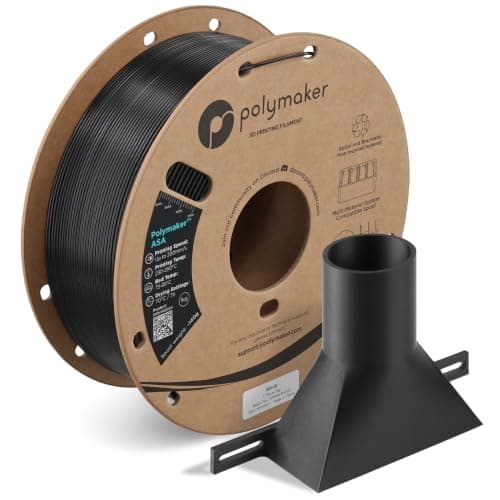
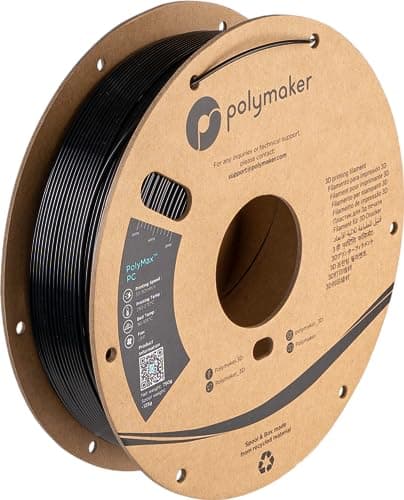
Polycarbonate asks for a nozzle above 250 C, a bed above 90 C, a closed chamber and an all-metal hotend before it prints anything. Meet those and you get the toughest, most heat-resistant material a desktop printer makes. Miss one and you get a warped, delaminated part.
How this page is funded. Buy links go to Amazon and we earn a commission on qualifying purchases at no extra cost to you. Commission never decides an order or a score, we accept no free products or sponsored placements, and every roundup names something to skip. Full disclosure.
The picks, ranked
The picks, ranked
#
Product
Best for
Score
Price
1
Polymaker PolyMax PCPolymaker publish the whole recipe including the part most guides omit: anneal at 90 C for 2 hours, straight out of the printer, before the part cools.250-270 C, 90-105 C bed, chamber 70-100 C
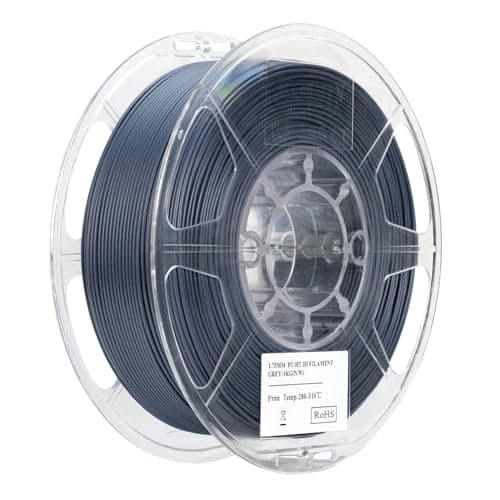
eSUN PC-HTThe highest published heat-deflection figure here, and it costs you a hotend that reaches 300 C. eSUN also publish the Z-axis impact number, which is the honest one.114 C heat deflection, 290-300 C nozzle
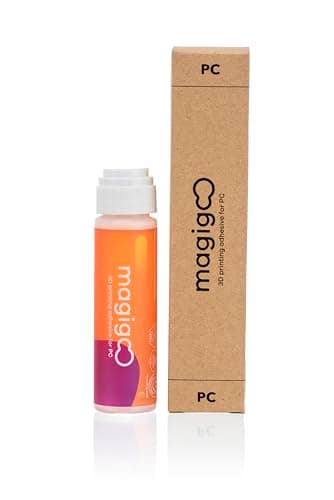
Magigoo PCPolymaker name a PC adhesive in their own print tips. A warped PC part is usually an adhesion failure wearing a warping costume.PC-specific bed adhesive
SUNLU PCPublishes density, heat deflection, tensile and impact figures at a budget price. SUNLU are explicit that the bed wants glue and the speed cap is real.101 C heat deflection, 260-280 C nozzle
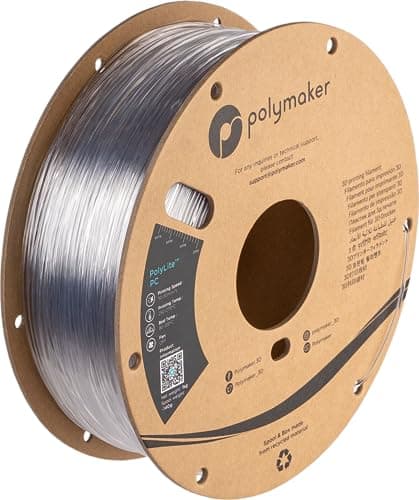
Polymaker PolyLite PCThe same printing window as PolyMax with translucency as the point. Polycarbonate is what real light covers are made of, and this is the printable version.Translucent, 250-270 C
Polymaker PolyLite ASAPC printed in a draft delaminates and warps, and a delaminated PC part is weaker than a good ASA one. Without a chamber, this is the better material.220-275 C, enclosure recommended not requiredSkip this
Live prices verified November 4, 2026. Scores are our own fit rating for the stated use, not a measurement and not a customer rating.
A tough engineering-grade printed part on a workbench.
Published polycarbonate figures by spool. Note how far apart the nozzle temperatures sit.
Spool
Nozzle (C)
Bed (C)
Drying
Heat deflection (C)
Polymaker PolyMax PC
250-270
90-105
75 C, 6 h
-
Polymaker PolyLite PC
250-270
90-105
75 C, 6 h
-
SUNLU PC
260-280
100-110
70-80 C
101 +/- 2
eSUN PC-HT
290-300
100-110
70 C, 6 h+
114
Prusa material guide, PC
270-275
100-115
-
-
Published polycarbonate figures by spool. Note how far apart the nozzle temperatures sit. A 50 C spread across four spools of the same material. PC formulations differ more than PLA formulations do, so the profile that worked for someone else's spool is a starting point at best. Figures from Polymaker, Polymaker, SUNLU, eSUN, Prusa Research, retrieved 2026-09-21.
What PC asks for before it prints anything
Polycarbonate is the toughest, most heat-resistant material most desktop printers can attempt, and every one of its requirements is a gate rather than a preference. Work down this list before you buy a spool, because failing any single item produces the same result: a part that warps off the plate or splits along its layers.
An all-metal hotend that reaches the temperature. Polymaker require an all-metal hotend and publish 250 to 270 C Polymaker; SUNLU publish 260 to 280 C SUNLU; eSUN’s high-temperature grade wants 290 to 300 C eSUN. A PTFE-lined hotend is out of the running before the first layer.
A closed chamber. Polymaker list the enclosure as needed at 70 to 100 C and tell you to hold the bed at 105 C for 10 to 15 minutes before starting, specifically so the chamber comes up to temperature Polymaker.
A bed that runs at 90 C or above, plus an adhesive. Polymaker suggest a PC-specific bed adhesive in their own tips Polymaker, and SUNLU state plainly that the bed wants glue SUNLU.
Dry filament. PC is hygroscopic enough that Polymaker recommend a dry box or dryer during printing and publish 75 C for 6 hours to dry it Polymaker; SUNLU publish 70 to 80 C SUNLU.
A willingness to anneal. This is the step people skip. Polymaker call annealing required after printing polycarbonate unless you have a 90 C heated chamber, at 90 C for 2 hours, and say to put the part in the oven the moment the print finishes rather than letting it cool Polymaker.
What you actually get for the trouble
Heat resistance and toughness, in that order. SUNLU publish a heat deflection temperature of 101 +/- 2 C for their PC SUNLU, and eSUN publish 114 C for their high-temperature grade eSUN. For comparison, Prusa rate ASA to about 93 C Prusa Research and put PLA's softening point at around 60 C Prusa Research. That gap is the entire argument for polycarbonate.
The mechanical numbers back it up: SUNLU quote 50 +/- 3 MPa tensile strength and 35 +/- 5 kJ/m2 impact strength in the X-Y plane SUNLU. PC is what safety glazing, power tool housings and machine guards are made from, and the printed version keeps a useful fraction of that.
The number nobody quotes
eSUN publish both axes: 13.6 kJ/m2 IZOD impact in X-Y and 2.4 kJ/m2 in Z eSUN. The Z figure is roughly a fifth of the in-plane one, and that is the honest description of every FDM part — layer boundaries are the weak direction. Print orientation decides more about a PC part’s strength than the brand on the spool does. The same physics is covered on strongest filament.
Warping, adhesion and the chamber
PC shrinks hard as it cools, and shrinkage plus a cold draft is the mechanism behind both corner lift and mid-print layer splits Prusa Research. The countermeasures are all published.
Fan off. Polymaker specify cooling off for PC Polymaker; eSUN allow 0 to 20 percent eSUN. Cooling a warping material is working against yourself.
Preheat the chamber through the bed. Polymaker’s 10 to 15 minutes at 105 C before the print starts is free and it changes the outcome on tall parts Polymaker.
Use a PC adhesive rather than hope. The specialist pen exists because PC on bare PEI is a coin toss; the general case is on bed adhesion.
Print slow and hot, and consider a bigger nozzle. Polymaker recommend both for layer adhesion Polymaker; nozzle sizing is on nozzle sizes.
PC, PC blends and carbon-filled PC
Most spools sold as polycarbonate are blends, tuned to print at lower temperatures and warp less than pure PC. That is a feature, not a cheat, but it moves the heat resistance down with it — which is why the published heat-deflection figures here range from 101 C to 114 C rather than clustering at one number.
Carbon-filled PC goes the other way: more stiffness and dimensional stability, an abrasive filament that needs a hardened nozzle E3D, and no change in the base polymer’s heat resistance. The carbon-filled option we already rank is on carbon fiber filament, and the full heat ranking across materials is on most heat resistant filament.
Drying is not optional here either
Polymaker describe PC as slightly more hygroscopic than their other materials and recommend printing out of a dry box or dryer for the whole print Polymaker. Wet PC prints with a rough, bubbled surface and poor layer adhesion, which is easy to mistake for a temperature problem and impossible to fix with settings.
The published drying windows — 75 C for 6 hours from Polymaker, 70 to 80 C from SUNLU, 70 C for more than 6 hours from eSUN PolymakerSUNLUeSUN — are above what several consumer dryers reach. The temperature column is the one that matters on best filament dryer.
What not to buy PC for
Anything you cannot print in a closed chamber. Polymaker list the chamber as needed, not suggested Polymaker. On an open printer, buy ASA and spend the difference on filament you will actually use.
Outdoor parts, without checking. PC is tough and heat resistant; UV stability is a separate property that ASA is formulated for Prusa Research. The outdoor ranking is on outdoor and UV.
Big flat plates on your first attempt. Warping scales with footprint. Learn the material on a small bracket.
A part you will not anneal. Without a hot chamber, Polymaker treat annealing as part of the process rather than an upgrade Polymaker.
Every pick, in detail
01
Polymaker PolyMax PC
Polymaker
The best-documented PC to start with · 8.7/10 our fit score
The best-documented polycarbonate to learn on, because Polymaker publish the annealing step rather than leaving you to discover it.
UV resistance is the entire point and it is real — Prusa contrast it directly with ABS, whose outdoor parts "turn yellowish and more brittle over time"
Warps less and smells less than ABS at the same temperatures
What it does not
Needs an enclosure and a hot bed; this is not a material for an open printer in a cold room
More expensive per kilogram than the PETG that would do the job for many outdoor parts
+ − What temperature do you print polycarbonate at?
Between 250 and 300 C depending on the spool: Polymaker publish 250 to 270 C, SUNLU 260 to 280 C, and eSUN 290 to 300 C for their high-temperature grade. All of them need an all-metal hotend, and the bed sits between 90 and 110 C.
+ − Do I need an enclosure for polycarbonate?
Yes. Polymaker list a closed chamber at 70 to 100 C as needed, not recommended, and tell you to preheat it through the bed before starting. Without one, PC warps off the plate and splits between layers on anything tall.
+ − How heat resistant is PC filament?
SUNLU publish a heat deflection temperature of 101 +/- 2 C for their polycarbonate and eSUN publish 114 C for PC-HT. That is roughly 40 C above ASA and far above PLA, and it is the main reason to accept everything else PC demands.
+ − Does polycarbonate need annealing?
Polymaker say annealing is required after printing PC unless you have a heated chamber at 90 C or above: 90 C for 2 hours, with the part going into the oven as soon as the print finishes rather than after it cools. It relieves the internal stress that otherwise turns into micro cracks.